One QR code.
Honest feedback, and more Google reviews.
Put a QR code on your counter or tables. Customers tell you how it really went — and your happiest customers get an easy nudge to share that on Google too.
Looking for a business instead of running one? Search Revieww
- for the QR code, the dashboard, and replies — no paid tier, no card
- ₹0for the QR code, the dashboard, and replies — no paid tier, no card
- per table or counter, print-ready, with your own questions
- 1 QR codeper table or counter, print-ready, with your own questions
- of customers get the Google review link — never filtered by rating
- 100%of customers get the Google review link — never filtered by rating
- AI-written reviews. Every word is the customer's own
- 0AI-written reviews. Every word is the customer's own
For business owners
Hear it first. Then let happy customers say it on Google.
The QR code brings feedback to you privately, so you hear about a bad visit before the world does. Then every customer — not just the happy ones — is offered the Google link. Nothing here writes on your behalf or posts without you.
A QR code that brings feedback straight to you
- Print a ready-made label for each table or counter, with a location such as “Table 4” so you know where the feedback came from.
- Ask your own questions — multiple choice or free text — and read the answers privately in your dashboard, not in public.
- No printer handy? Share the same link on WhatsApp, SMS, or email with one tap.
- Export every response to CSV whenever you want it.
Happy customers carry it to Google — the honest way
- Add your Google review link once; after feedback, every customer sees a one-tap “Leave a Google review” link.
- Shown to everyone, whatever they rated. We don't filter who gets the link — that's review gating, and Google prohibits it.
- On your public Revieww page, tappable keyword tags help customers past the blank page — without writing a single sentence for them.
Coming soon: syncing your Revieww replies to Google Business Profile, once Google approves API access.
Reply in your own voice, in seconds
- Hand-written reply starters grouped by tone: Friendly, Professional, or Formal.
- Separate starters for glowing reviews and for low-rated ones.
- You edit and post every reply yourself — nothing is auto-posted, and nothing is written by AI.
Early-warning flags, no guesswork
- Any review rated 2 stars or lower with no reply yet is flagged automatically.
- Flagged reviews are counted and sorted to the top of your dashboard.
- De-escalation starters help you acknowledge, apologise, and take it offline.
A plain rule you can understand — not a black-box sentiment score.
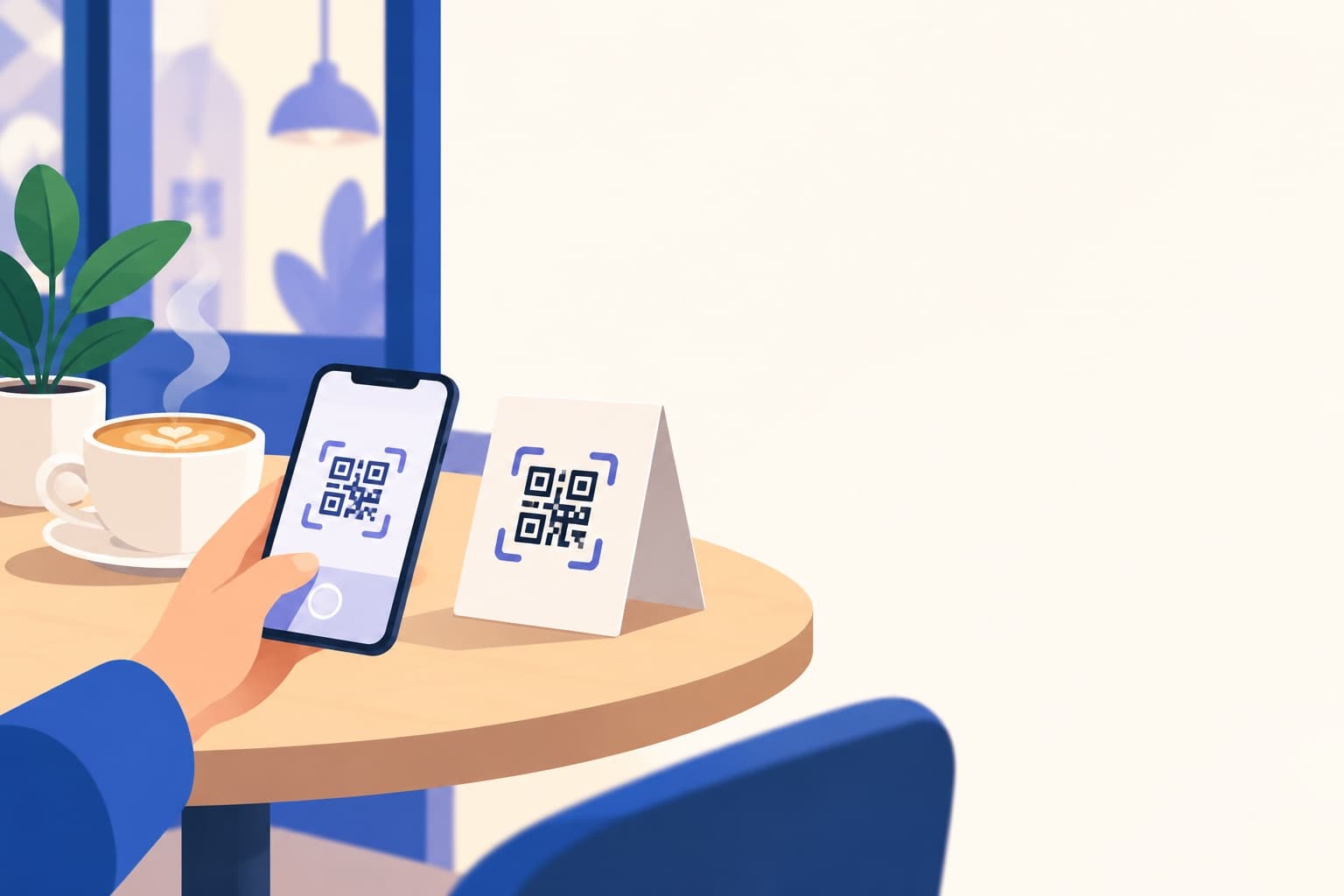
On the table, not in an app store
No app to download. No account to create.
A customer glances at the table-tent, opens their phone's camera, and they're answering your questions in seconds. Nothing to install, nothing to sign up for — the whole flow runs in their browser.
Your command centre
Everything your QR code collects, in one place.
Each QR campaign has its own view: how many people scanned and answered, a breakdown for every question, and a CSV export. Your overview shows published reviews, average rating, share of 4–5 star reviews, and how the last 30 days compare with the 30 before — with anything that needs a reply counted at the top.
- Feedback from the QR code stays private to you unless you choose to act on it.
- Every public stat is calculated from published reviews — never self-reported.
- Recurring themes link to the exact reviews behind them.
Getting started
Up and running before your next customer walks in.
Get your QR code
Sign in, add your business name, category, and city, and paste your Google review link. Your QR code and feedback link are ready the moment you save.
Put it on the table
Print the label for your counter or tables, or send the link over WhatsApp after a visit. Customers scan, answer your questions, and are offered the Google link.
Read, reply, and fix what you hear
Feedback lands in your dashboard the moment it's submitted. Reply to public reviews in a tone that sounds like you, and act on the private feedback before it becomes a public one-star.
Try Revieww in your shop for 30 days. If it isn't earning its place on the counter, take the label down — you've lost nothing. If it is, keep going. There's no credit card, no trial that expires, and nothing to cancel, because there was never anything to pay for.
- QR codes, printable labels, dashboard, and replies all included
- No card on file and no plan to upgrade to
- As many tables, counters, and campaigns as you need
Also on Revieww
Every QR code feeds a real public profile. Anyone can search a listed business, read its genuine reviews, and see the themes behind the rating.
Search a business
Find businesses by name, category, or city and open their public profile.
Read genuine feedback
Every review goes through the same moderation process, regardless of rating.
See evidence-backed insights
Recurring themes are drawn from published reviews, with the reviews behind them linked.
Trust and transparency
Every rating receives the same process
We don't route positive and negative feedback differently, and we don't hide reviews to improve an average.
Insights are evidence-backed
Recurring themes link directly to the published reviews that support them — never generated without a real basis.
Honest about limited data
When a business has very few reviews, we say so instead of implying confidence we don't have.
Owners can respond, not edit
Business owners can publicly respond to any published review, but cannot alter a customer's rating or words.
Built toward AI-powered insights
Revieww already turns published reviews into evidence-backed themes automatically. We're building AI-powered analytics on top of that foundation — here's what's live today and what's coming next.
- • Automated detection of recurring themes across published reviews
- • Every theme links back to the exact reviews behind it
- • Low-rated, unanswered reviews automatically flagged for owners
- • AI-powered analytics: trend prediction and early-warning alerts for a dip in sentiment
- • Natural-language summaries of what's changed since your last check-in
- • Category benchmarking against similar businesses
- • Google Business Profile reply sync, pending Google's API approval
Frequently asked questions
Yes. Searching, reading reviews, claiming a business listing, responding to reviews, and running QR feedback campaigns are all free — there's no paid tier.
Ready to hear from your customers?
Your QR code takes a few minutes to set up and costs nothing — now or later.